
 AI ERP with agents inside the systems you run
 AI phone and voice agents for real calls
 LLM.coPrivate, self-hosted LLM deployments
 Legal AI infrastructure for firms
 AI RFP discovery and response drafting
 Automatic.coBusiness process automation
 CyberAttack.aiThreat detection and defense
 Secure AI virtual data rooms
 DigitalSign.coAI-designed digital signage for any screen
 hardware.coCustom AI hardware, software, and engineers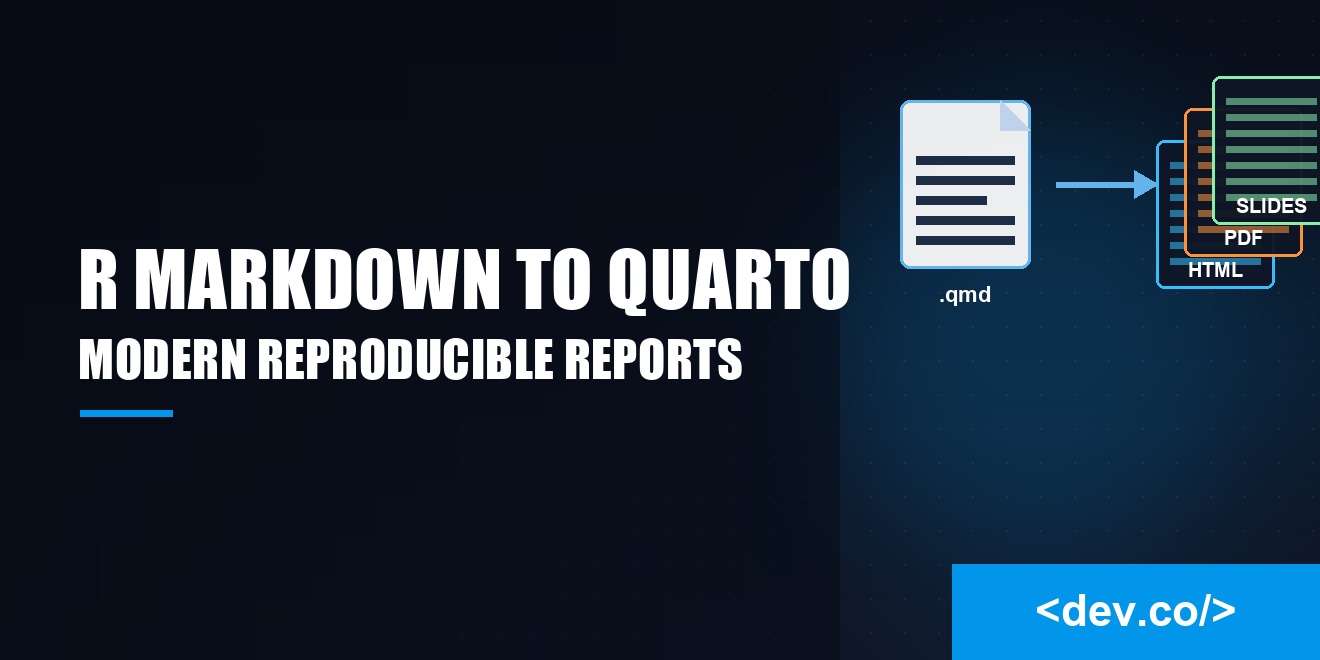
R Markdown to Quarto: Modernizing Reproducible Reports
R Markdown had a good run, but the world keeps moving and your reporting stack should not feel like a flip phone in an age of foldables. Enter Quarto, a modern publishing system that embraces notebooks, prose, and code with equal enthusiasm. If you work in data, analytics, or software development, you will notice fewer papercuts, more polish, and an overall calmer workflow.
This piece walks through why the shift makes sense, how to convert old projects without panic, and which features will actually make your reports sparkle instead of smolder. No buzzword soup, just practical guidance with a wink.
Why Move From R Markdown to Quarto
Quarto is not a rebrand of R Markdown. It is a rethinking of how literate programming should feel when your work must be reproducible, portable, and pleasant to read. You still write Markdown. You still sprinkle code chunks through your narrative. You still render to the familiar formats. What changes is the architecture that holds everything together and the first class support for multiple languages, multiple output types, and multi file projects.
One Tool, Many Outputs
Quarto treats HTML, PDF, Word, slides, books, and websites as peers. You pick the format in configuration and the same source can produce several polished outputs without the usual treasure hunt through obscure options. The consistency is not just convenient.
It reduces the risk that your final HTML looks great while your PDF looks like it ran through a taffy machine. Templates, themes, and cross references behave predictably across formats, so you can focus on the story rather than fixing margins for the third time.
Unified Authoring Experience
In R Markdown, advanced features often lived in package specific corners. Quarto lifts those ideas into a single, coherent vocabulary. You get a uniform way to set options, define metadata, and wire together multi page projects. That cohesion means fewer mental context switches when you move from a quick memo to a full report to a slide deck. Even the command line feels cleaner. The quarto render flow is straightforward, memorable, and friendly to automation.
Cleaner Project Structure
Quarto encourages you to think in projects rather than one-off files. A project knows where its source lives, where outputs should go, and which files count as assets. That small shift pays off when you publish to a site or share the work with a teammate who should not need a map and a flashlight just to render the document. With a single _quarto.yml, you can capture shared styles, shared filters, and shared execution rules.
How Quarto Changes Your Daily Workflow
A good tool fades into the background so you can concentrate on the job. Quarto aims for that kind of invisibility. The biggest changes you will feel are smoother authoring, repeatable environments, and painless publishing.
Authoring Documents
You still write in Markdown, only now you can choose between YAML front matter or a project level config for most settings. Code chunks accept language labels like {r}, {python}, or {bash}, and they share a consistent set of options.
You can mix languages in one document if that is what your analysis needs. Syntax highlighting is crisp. Cross referencing figures and tables feels natural. Citations work with a single bibliography file, and they look good without tinkering.
Managing Dependencies and Environments
Nothing undermines trust faster than a report that will not reproduce on a clean machine. Quarto plays nicely with reproducible environments, whether you rely on renv for R, virtual environments for Python, or containerized builds for a full stack. You can lock dependencies, point Quarto at the environment, and render with confidence that the same code will produce the same artifacts tomorrow.
Render and Publish
The render step is a single command that can target one file or an entire project. You can publish to a static site, push to GitHub Pages, or export to a folder that a downstream job will pick up. Because the process is predictable, it drops neatly into continuous integration. A pull request can render the site, run code, and flag issues before they reach production. Less ceremony, more signal.
Converting Existing R Markdown
Migration should feel like a tidy upgrade, not a forklift move. The good news is that most R Markdown documents convert with light edits.
Simple Documents
For a simple .Rmd that knits to HTML or PDF, you can usually change the extension to .qmd, move any file level options into front matter that Quarto understands, and render. Knitr still runs R chunks. Pandoc still does the heavy lifting for formats. Most chunk options transfer directly, and the ones that do not usually have a clear modern equivalent.
Parameterized Reports
If you rely on parameters, Quarto supports them in a clean and explicit way. Define them in YAML, reference them in code the way you would expect, and trigger different parameter sets through the command line or a profile. The result is readable configuration with less custom glue code. It also makes scheduled runs less error prone, since your parameters are part of the document's contract rather than an afterthought.
Notebooks and Interactive Widgets
Quarto plays well with interactive components. You can bring in HTML widgets, interleave code cells, and enable sidebar controls where appropriate. The experience feels natural, not bolted on. If your R Markdown notebooks relied on specific HTML dependencies, Quarto's bundling model reduces the chance of broken widgets during deployment.
Features That Feel Delightful
Delight is not a frill. It is a sign that the tool understands your pain points and smooths them away. Quarto sneaks in several niceties that add up to a lot less friction.
Cross References and Citations
Rich cross references work across figures, tables, equations, and sections. You write a short label, then refer to it without manual numbering. Citations integrate with CSL styles so your references look professional without a formatting safari. The bibliography is just a file away, and you can even generate a references section automatically.
Reproducible Environments
You can declare execution behavior at the document or project level. Freeze results for long running chunks. Cache computations that are deterministic. Restore sessions cleanly. These controls reduce rerun anxiety and make it more feasible to keep everything under version control without storing gigabytes of intermediate outputs.
Visual Themes and Typography
Readable reports are not an accident. Quarto's themes give you sensible defaults that respect whitespace, scale headings smartly, and keep code blocks legible. You can customize palette, fonts, and spacing through a minimal set of variables or a style sheet when you want more personality. The result feels curated rather than chaotic.
Common Pitfalls and How to Avoid Them
Every migration has a few bumps. Knowing the likely culprits helps you sidestep trouble before it slows you down.
YAML and Options
Quarto's configuration is powerful, which means it is worth keeping tidy. If outputs look odd, check for overlapping settings between the project file and the document's front matter. Prefer the project file for shared defaults and keep documents local where it truly differs. Small, well named keys beat sprawling blocks of options.
Chunk Execution
Order matters. If you mix languages, verify that the execution engine is configured the way you intend. For R, knitr still handles chunks. For Python, Jupyter is the workhorse. Make sure paths are relative to the project root so collaborators do not play guess the directory. When a chunk runs long, enable caching and freeze settings so you do not pay the same cost twice.
Version Control Hygiene
Binary outputs do not merge well. Keep source under version control and let continuous integration render the heavy artifacts. If you must store outputs for compliance, put them in a dedicated directory that is clearly labeled and excluded from routine reviews. A clean repository speeds code reviews and helps new contributors find their footing.
Choosing the Right Format for the Job
You have many destinations for your work. Quarto gives you a sane default for each and gets out of the way once you choose.
Articles and Reports
For narrative analysis with code, HTML is a strong default. It is fast to render, interactive when you need it, and faithful to your layout. PDF still has its place for formal delivery. Quarto's PDF outputs hold together under tight layout rules without the fragile dance that used to plague complex R Markdown files.
Technical Docs and Websites
Documentation benefits from structure. Quarto's multi page sites let you break content into sections, add navigation, and apply a single theme across everything. Search works, permalinks are stable, and cross references remain intact across pages. Publishing is straightforward, so updates do not involve a weekend of redeploys.
Slides and Presentations
When you want slides, you should not need a second tool that fights your code. Quarto supports modern slide frameworks and keeps your content in plain text. That means you can track edits, review diffs, and reuse snippets across documents. Speaker notes, incremental reveals, and print ready handouts are simple to enable.
Building Confidence With Reproducibility
Trust grows when your audience can rerun your work and land on the same results. Quarto helps by making execution rules explicit, encouraging environment pinning, and keeping configuration close to the source. A colleague can clone the repository, set up the environment, and render with one command. That clarity beats screenshots of terminal output and vague promises that it worked on a different machine.
Bringing Teams Along for the Ride
A migration succeeds when the team feels that the new tool reduces effort rather than adding ceremony. Start by converting a small but representative project. Write down the conventions you want to adopt, like where to put images, how to name files, and which defaults live in the project file. Share templates that embody those choices. With Quarto, templates are easy to reuse, and the benefits show up immediately in the first pull request that renders without fuss.
Conclusion
Quarto earns its keep by lowering friction, clarifying configuration, and turning reproducibility from a hope into a habit. It welcomes R users, treats other languages as equals, and respects your time with predictable renders and sensible defaults. If you are carrying a backpack full of little workarounds from the R Markdown era, you can set it down. Migrate a document, kick the tires, and notice how much quieter your reporting routine becomes.
