
 AI ERP with agents inside the systems you run
 AI phone and voice agents for real calls
 LLM.coPrivate, self-hosted LLM deployments
 Legal AI infrastructure for firms
 AI RFP discovery and response drafting
 Automatic.coBusiness process automation
 CyberAttack.aiThreat detection and defense
 Secure AI virtual data rooms
 DigitalSign.coAI-designed digital signage for any screen
 hardware.coCustom AI hardware, software, and engineers
 Data.coPrivate AI infrastructure and governance
What Salesforce to NetSuite Integration Actually Costs to Build
A production Salesforce-to-NetSuite integration lands between $40K and $120K for a custom build, or $15K to $30K plus monthly platform fees for a packaged middleware app. That range holds unless your CPQ emits non-standard order lines, at which point neither estimate survives first contact with NetSuite's item master.
The spread comes from specific decisions: which objects you sync, how you handle NetSuite's governance units, and whether SuiteTalk REST, Bulk 2.0, or Platform Events carry the traffic. Each of those choices has a numeric cost, and a buyer who skips them signs an SOW that will be amended within a quarter.
The Five Objects That Set Scope
Five record pairs carry the scope of most Salesforce-to-NetSuite work: Account to Customer, Opportunity to Sales Order, Order lines to Sales Order lines, Invoice to Invoice, and Product to Item. Everything else — Contacts, Cases, Pricebooks, Tax codes — rides on top of those five.
Account sync has a quirk worth naming before the SOW is signed: standard middleware flows only push Accounts tied to a Closed Won Opportunity, which keeps the Customer master clean but hides net-new prospects from finance. Opportunity-to-Sales-Order sync is where CPQ complexity bites — custom pricing, discount approvals, bundle components, and subscription terms do not map one-to-one. Invoice sync runs NetSuite to Salesforce on a schedule, not real-time. Item master sync is the record that quietly consumes weeks of UAT: SKU rationalization, unit-of-measure mapping, and class/department/location coding each generate their own validation cycle.
NetSuite Governance Decides the Architecture
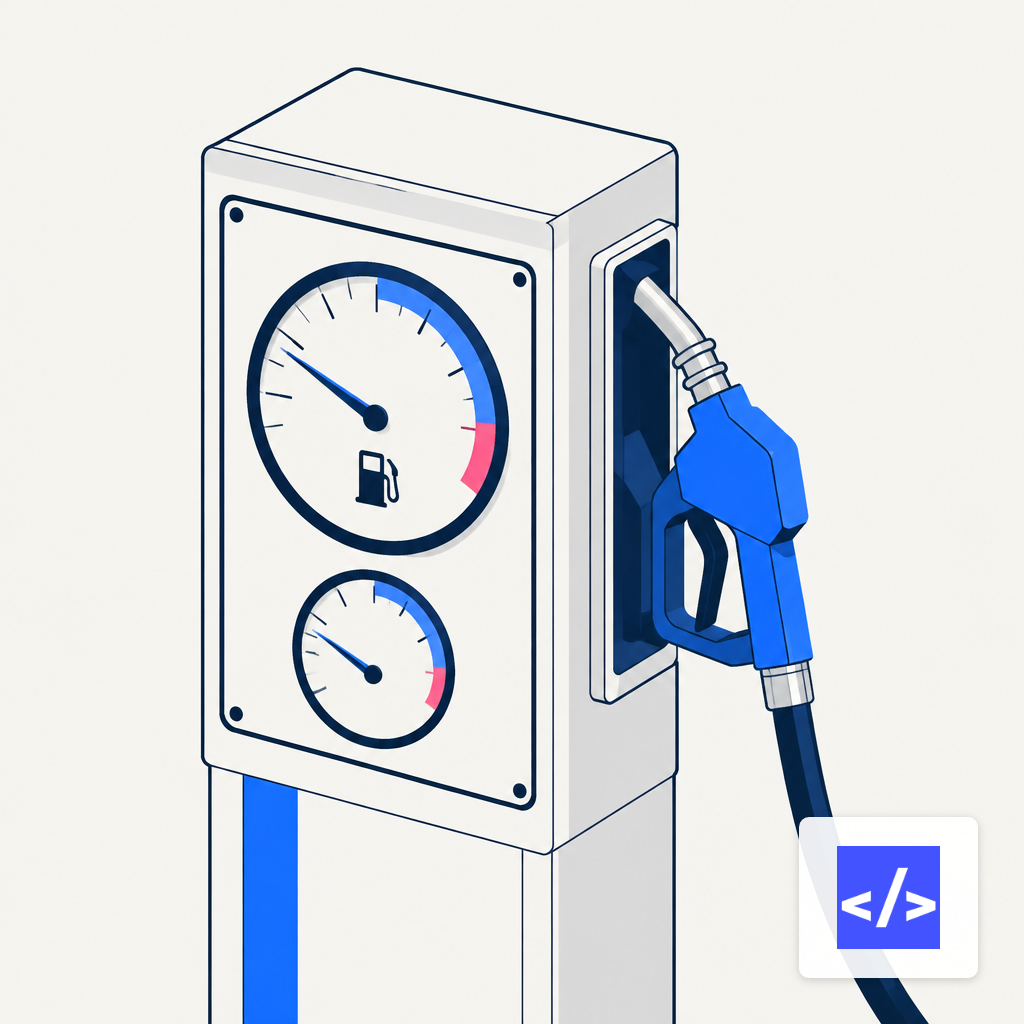
NetSuite concurrency is governed by a formula: Base Tier Limit + (SuiteCloud Plus Licenses × 10), with Standard tier allowing 5 concurrent requests, Premium 15, and Enterprise/Ultimate 20, while developer and partner accounts cap at 5 regardless. A six-figure custom integration can stall on a Standard tier account because concurrent inbound REST calls from Salesforce queue once the budget fills.
SuiteScript has its own budget. A RESTlet can burn 5,000 units before SSS_USAGE_LIMIT_EXCEEDED terminates the invocation; scheduled scripts get 10,000. A load-and-save on a transaction record consumes 30 units. A thousand-line sales order will not finish inside a single RESTlet call. The practical pattern: inbound writes land in a thin RESTlet that validates and enqueues, then a scheduled script or map/reduce stage processes the queue. Trying to handle a 500-line Opportunity-to-Sales-Order sync inside one RESTlet is the most common reason prototypes work and production doesn't. API integration work at this layer is where senior-engineer hours actually pay back.
- 1User Event script
- 2Client script
- 3Suitelet
- 4RESTlet
- 5Scheduled script
Salesforce API Limits You Hit Before You Expect
Salesforce Bulk API 2.0 draws on 15,000 batches per rolling 24 hours, shared with Bulk 1.0, with each batch holding up to 10,000 records and payloads capped at 150 MB base64-encoded. For a daily order-to-cash feed under 150K orders, that is more headroom than you need. For a reseller running historical back-fill or a retailer with EDI-sourced inventory, you can burn it in an afternoon.
Platform Events are where real-time Salesforce-to-NetSuite architectures erode. Enterprise editions get 25,000 event deliveries per rolling 24 hours, counted per subscribed client — a single event triggering a MuleSoft listener and a NetSuite RESTlet client counts twice. Teams that model every Opportunity stage change as a Platform Event blow through their quota by week two and either upgrade editions or redesign for polling. The cost math on enterprise API integration swings heavily on which path they choose.
Middleware Versus Custom Builds
Two honest paths exist. A packaged middleware app (Celigo, Boomi, Workato, MuleSoft) costs $15K-$30K in services, deploys in four to six weeks, and runs $500-$1,500 per month for platform fees after that. A full custom REST/SuiteTalk build runs $40K-$120K and takes eight to sixteen weeks. The custom path removes the platform fee but adds ongoing engineering: retry logic, dead-letter queues, idempotency keys, and alerting are yours to build and maintain.
Middleware wins when the integration is standard quote-to-cash and your CPQ outputs normalized orders. Custom wins when you need multi-entity consolidation, non-standard revenue recognition, bidirectional inventory reservations tied to Opportunity stages, or audit trails that satisfy a specific regulator. The hidden cost in middleware is customization: the standard flow handles perhaps 70% of the use cases, and the remaining 30% ships as JavaScript extensions inside the vendor's environment. You pay engineer hours either way; the question is where the code lives and who audits it.
Where the Hours Go
A custom build's hours concentrate in four phases: discovery and field mapping (two to three weeks), connector development and object transformation (three to five weeks), UAT with sandbox refresh cycles (two to four weeks), and cutover with historical backfill (one to two weeks). The first phase is where SOWs lose money. "Account sync" sounds like two fields; it hides credit holds, parent-child hierarchies, shared Bill-To/Ship-To records, and the fact that Salesforce Person Accounts do not map cleanly to any single NetSuite entity.
Any build touching ERP and CRM simultaneously needs audit logging, approval gates, and role-based access control, not because of the integration itself but because finance and ops will subpoena it the first time an invoice posts to the wrong Customer. The patterns resemble those used when AI agents touch ERP and CRM: an idempotent event log, correlation IDs on every message, and replay capability from any point in the last 30 days.
The Signal That Tells You It's Working
One number tells you whether the integration is healthy: governance-unit usage on the highest-traffic SuiteScript, measured as a seven-day rolling p95 against the script-type cap. For a RESTlet, p95 crossing 3,500 of 5,000 units during normal business hours means a holiday-season spike will push you over the limit and SSS_USAGE_LIMIT_EXCEEDED will start terminating writes within six to eight weeks. The same signal on a scheduled script is 7,000 of 10,000. On the Salesforce side, watch queued-request count on the SuiteCloud Processors monitor; anything above zero sustained for an hour means Opportunity-to-Sales-Order traffic is throttled upstream and Orders are backing up in the middleware. That is the number a CFO cares about, because it is the one that stops Invoices from going out.